Lytbox – Figma Mastery For Web Designers
$499.00 Original price was: $499.00.$75.00Current price is: $75.00.

Introduction
Design is no longer just about making beautiful screens — it’s about creating seamless digital experiences that convert visitors into customers. Whether you’re building landing pages, SaaS dashboards, eCommerce stores, or client websites, mastering Figma is now a must-have skill for modern web designers.
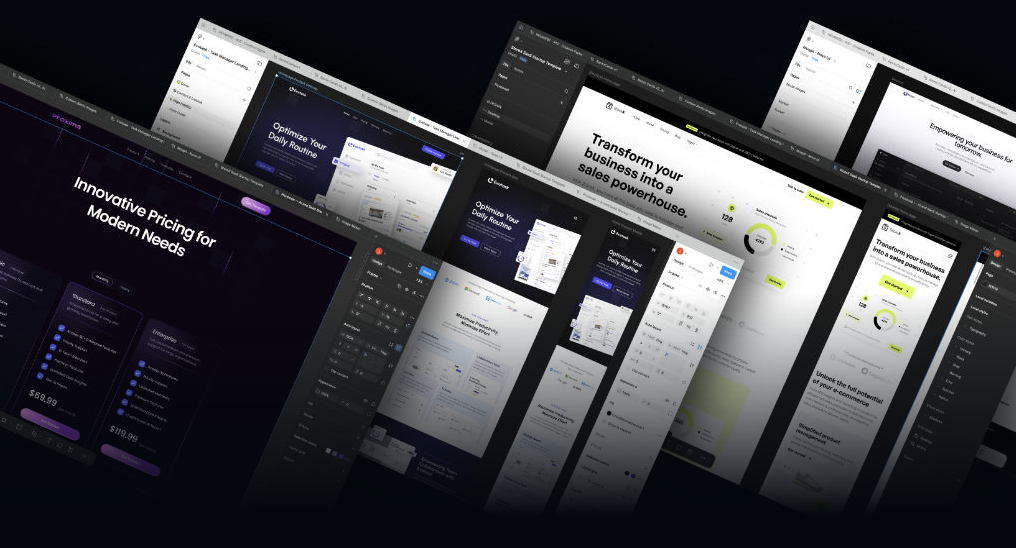
Lytbox – Figma Mastery For Web Designers is a complete training program built specifically for designers who want to move beyond basic UI creation and truly understand professional web design workflows. This course bridges the gap between theory and real-world execution, helping you design websites that are visually stunning, conversion-focused, and development-ready.
If you want to design like top agencies, build scalable systems, and confidently handle high-paying client projects, this program is built for you.
What Is Lytbox – Figma Mastery For Web Designers?
This is a structured, step-by-step course designed to teach web designers how to use Figma at an advanced, professional level. It goes far beyond simple tool tutorials. Instead of just showing features, it teaches:
Design thinking for websites
Conversion-driven layout strategies
Real client workflow systems
Component-based design
Design systems for scalability
Collaboration with developers
The course focuses specifically on web design — not mobile apps, not random UI experiments — but practical website design that businesses actually pay for.
Who Is This Course For?
This program is ideal for:
1. Beginner Designers
If you know the basics of Figma but struggle to create professional layouts, this course builds your foundation properly.
2. Freelancers
Want to charge higher rates? Learn structured workflows, client-ready file organization, and polished presentation systems.
3. Agency Designers
Improve efficiency using reusable components, auto-layout systems, and scalable design structures.
4. Developers Transitioning to Design
If you understand code but want to improve your design skills, this training helps bridge visual and technical thinking.
What You’ll Learn Inside the Course
1. Professional Web Design Foundations
Before touching complex tools, you’ll understand:
Visual hierarchy
Spacing systems
Grid theory
Typography for web
Color systems
UX fundamentals
This foundation ensures your designs are not just beautiful — but functional and strategic.
2. Mastering Figma Interface & Workflow
You’ll learn how to:
Organize files professionally
Use frames effectively
Build structured page flows
Optimize workflow speed
Set up projects for scalability
Instead of messy files, you’ll create clean, developer-friendly structures.
3. Auto Layout & Responsive Design
Responsive design is essential for modern websites.
You’ll master:
Auto layout systems
Responsive resizing
Component responsiveness
Mobile-first approach
Desktop-to-mobile adaptation
This ensures your designs translate smoothly into real websites.
4. Components & Design Systems
One of the biggest differences between amateur and professional designers is system thinking.
Inside the program, you’ll learn:
Creating reusable components
Variants & properties
Global styles
Design tokens
Scalable UI systems
Brand consistency structures
This dramatically increases productivity and allows you to handle larger projects efficiently.
5. Real Website Projects
The course doesn’t stop at theory. You’ll design:
Landing pages
Multi-page websites
SaaS dashboards
Conversion-focused homepages
Client presentation mockups
Each project teaches layout logic, spacing discipline, and strategic design decisions.
6. Conversion-Focused Design Principles
Design is not art — it’s communication.
You’ll understand:
Call-to-action placement
Attention direction
Psychological triggers
Trust-building layouts
Above-the-fold optimization
Sales page structuring
This makes your websites not just attractive, but profitable.
7. Client Workflow & File Handoff
Many designers struggle with professionalism. This program teaches:
Client briefing systems
Moodboarding
Wireframing process
Design revisions workflow
Developer handoff best practices
File export guidelines
You’ll operate like a real studio.
Why This Course Stands Out
There are many Figma tutorials online. However, most of them:
Focus only on tool features
Skip strategic thinking
Don’t show real project workflows
Ignore client communication
This training is different because it focuses on practical application. You’re not just learning buttons — you’re learning how to design websites that businesses can actually use and developers can actually build.
Benefits of Learning Advanced Figma for Web Design
Higher Income Potential
Web designers with system-based skills can charge premium rates.
Faster Project Completion
Reusable components and structured layouts speed up your workflow.
Better Client Results
Conversion-focused layouts improve business outcomes.
Portfolio Upgrade
High-quality mockups elevate your professional image.
Remote Career Opportunities
Figma is globally used — opening freelance and remote job doors.
Course Structure Overview
The program is structured in progressive levels:
Phase 1 – Foundations
Core design principles and Figma basics.
Phase 2 – Advanced Tools
Auto layout, components, and responsive systems.
Phase 3 – Real Projects
Complete website builds from scratch.
Phase 4 – Professional Workflow
Client process, handoff, and scaling.
This step-by-step approach ensures steady skill growth without overwhelm.
Skills You’ll Gain
After completing the training, you’ll be able to:
Design full website layouts confidently
Create scalable UI systems
Build responsive web mockups
Collaborate with developers efficiently
Present projects professionally
Handle real client briefs
You’ll move from “someone who knows Figma” to “a professional web designer.”
Real-World Application
The techniques taught can be applied to:
Startup websites
SaaS platforms
eCommerce stores
Personal brands
Agency client projects
Landing pages for ads
This makes the knowledge practical and monetizable.
Career Opportunities After Completion
Mastering web design with Figma opens several paths:
Freelance Web Designer
UI/UX Designer
Product Designer
Design Agency Owner
Remote Contract Designer
In-house Creative Specialist
With strong design systems knowledge, you also become valuable to tech startups and digital agencies.
Why Figma Is Essential Today
Figma has become the industry standard because:
It’s cloud-based
Allows real-time collaboration
Simplifies developer handoff
Supports scalable design systems
Works across operating systems
Learning it deeply ensures long-term relevance in the design industry.
Frequently Asked Questions
Is this course beginner friendly?
Yes. It starts with foundational principles and builds up to advanced workflows.
Do I need prior design experience?
Basic familiarity helps, but the course is structured progressively.
Will this help me get freelance clients?
Yes. The workflow and portfolio-ready projects are designed to improve your professional credibility.
Is coding required?
No coding is required, though understanding basic web structure is beneficial.
Final Verdict
If you are serious about becoming a professional web designer, building structured systems, and designing websites that perform — this course provides the roadmap.
Instead of random tutorials, you get:
Clear structure
Real-world application
Conversion strategy
Professional workflow systems
Scalable design techniques
Lytbox – Figma Mastery For Web Designers is not just about learning a tool — it’s about transforming into a high-level web designer who understands strategy, structure, and business impact.
If your goal is to elevate your skills, increase income potential, and build client-ready websites with confidence, this training program is a powerful investment in your future.